Moving Home? How to Save Money and Set Up Your Modem the Right Way
Moving home can be stressful, both mentally and financially. Between removalists, connection fees, cleaning costs and unexpected expenses, it can feel like the bills keep adding up. The good news is that a little planning can help you avoid unnecessary…
Moving home can be stressful, both mentally and financially. Between removalists, connection fees, cleaning costs and unexpected expenses, it can feel like the bills keep adding up.
The good news is that a little planning can help you avoid unnecessary costs.
In this guide, we explain how existing Flip customers and new customers can save money when moving, how to transfer an nbn® service, and where to place your modem for a stronger Wi-Fi connection.
For Existing Flip Customers Moving Home
Before changing providers or signing up for new services at your next address, check whether any current Flip customer offers are available to you.
Bundling your moving tasks and reviewing your household services at the same time could help you reduce your ongoing expenses.
Flip Tip: Make a list of every service connected to your current address, including internet, electricity, gas, insurance and subscriptions. This can help you avoid paying for services after you move out.
Instructions for NBN Customers Moving Home
If you’re moving house or planning a move, you’ll need to check whether your new address is nbn-ready.
You can check your address using the nbn address checker on the Flip website or contact the Flip Support Team on 1300 354 788.
Check your addressChecking your address before moving is important because the nbn technology type, available speeds and connection process may be different at your new property.
Before you move
Try to complete the following steps as early as possible:
• Check whether nbn is available at your new address.
• Confirm your preferred moving or activation date.
• Find out whether the property already has the required nbn equipment.
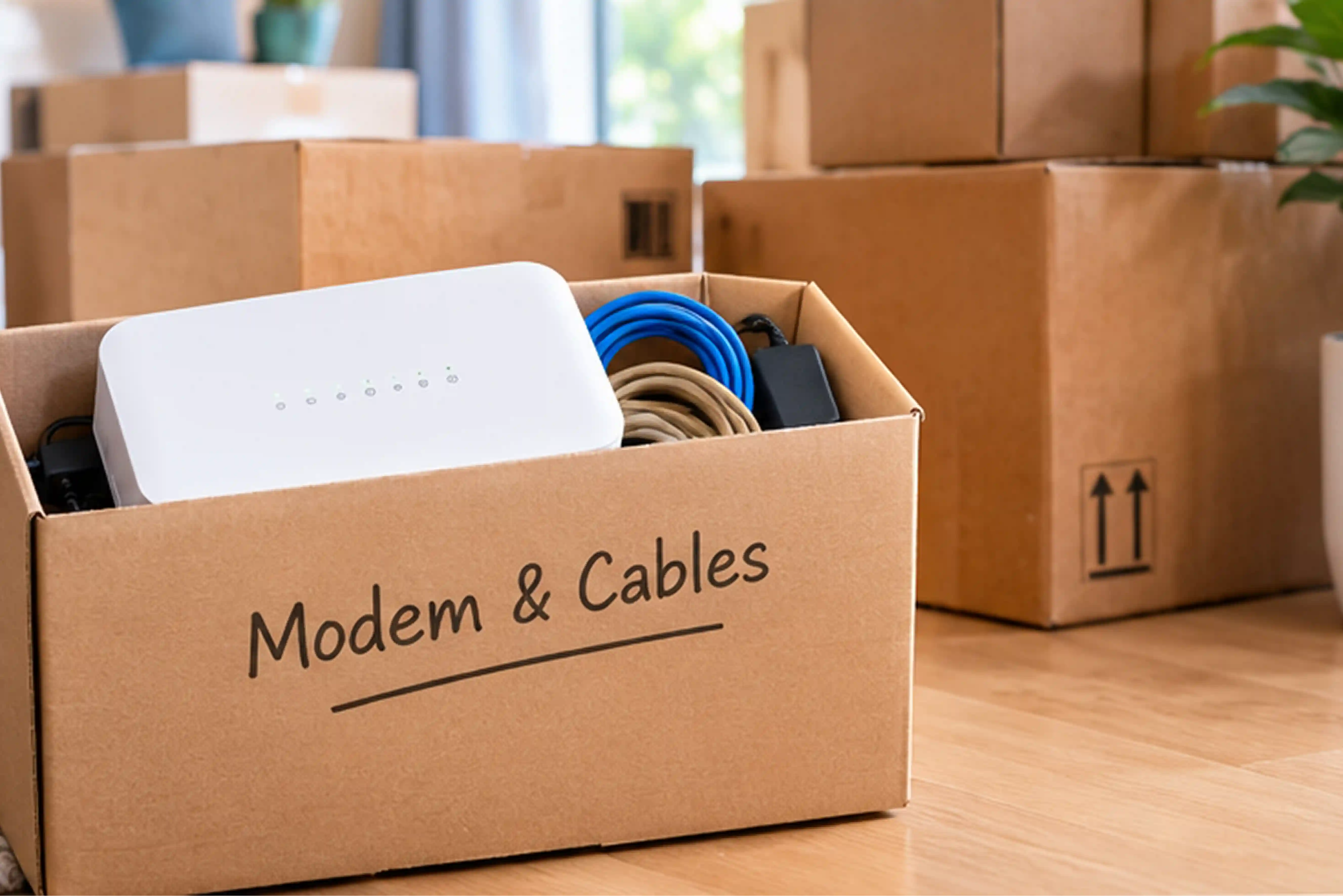
• Keep your modem, cables and power adapters together during the move.
• Avoid leaving any nbn equipment behind unless it belongs to the property.
Some nbn equipment must remain at the address, while other equipment may belong to you. Contact the Flip Support Team if you’re unsure what to take.
Flip Tip: Pack your modem and its cables in a clearly labelled box. Keeping them separate from the rest of your moving boxes can make it easier to get connected when you arrive.
For New Flip Customers
Not currently a Flip customer? That’s completely fine.
Flip regularly runs promotional offers for new customers and continues to introduce new partnerships designed to help customers access better value.
Before choosing an internet plan for your new home, compare more than the advertised monthly price.
Consider:
• The typical evening speed.
• The amount of data included.
• Any setup or connection costs.
• Whether a modem is included or required.
• Contract terms and cancellation conditions.
• Available customer offers or partner benefits.
The right plan should suit the number of people in your household and how you use the internet.
A household that mainly browses the web may have different requirements from one that regularly streams, games or works from home.
Flip Tip: Moving home is a good time to review your internet plan. Check whether you’re paying for more speed or data than your household actually uses
Where to Place Your Modem
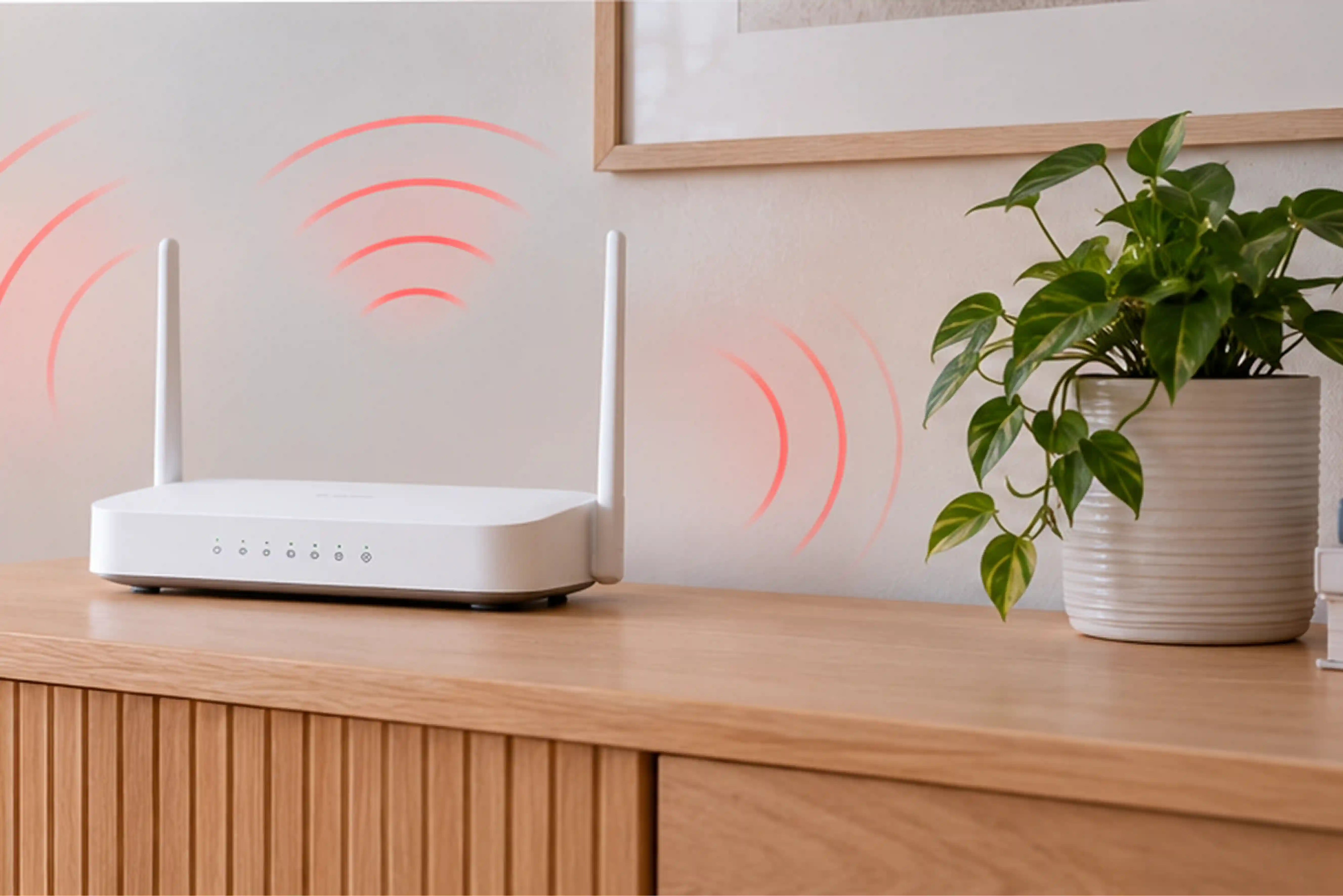
Where you place your modem can have a major effect on the strength and reliability of your home Wi-Fi.
The best location is usually a central, open and elevated position. This gives the Wi-Fi signal a better chance of reaching different rooms without being blocked by walls, furniture or appliances.
Place your modem in a central location
Wi-Fi signals travel outwards from the modem. If the modem is placed at one end of the home, rooms at the opposite end may receive a weaker signal. Where possible, position the modem near the centre of the areas where you use the internet most often.
For example, if most of your household’s internet use happens in the living room, home office and bedrooms, choose a location that provides a relatively clear path to each area.
Keep it out in the open
Avoid placing your modem:
• Inside a cupboard.
• Behind a television.
• Under a desk.
• On the floor.
• Behind large furniture.
• In a garage or storage room.
• In a closed entertainment unit.
Walls, doors and furniture can weaken or interrupt the Wi-Fi signal. Placing the modem in an open space can improve coverage.
Raise the modem off the floor
Place your modem on a desk, shelf or cabinet rather than directly on the floor.
An elevated position may help the signal travel more evenly throughout the home. Make sure the modem remains stable and has enough space around it for ventilation.
Keep Modem away from interference
Some household items can interfere with Wi-Fi signals. Keep your modem away from:
Microwave ovens.
Cordless phone bases.
Bluetooth equipment.
Baby monitors.
Large metal objects.
Fish tanks.
Thick concrete or brick walls.
You may not be able to avoid every source of interference, but creating some distance between the modem and these items can help.
Avoid hot or poorly ventilated areas
Modems generate heat while operating. Avoid placing yours in direct sunlight, next to a heater or inside a tightly enclosed cabinet.
Keep the ventilation openings clear and avoid stacking other devices on top of the modem.
Consider where you work and stream
Think about which rooms need the strongest connection.
If you work from home, attend video calls or regularly stream television, try to place the modem closer to those areas. Devices that need the most reliable connection can also be connected directly to the modem using an Ethernet cable.
Flip Tip: Before permanently arranging your furniture, test the Wi-Fi connection in your main rooms. A small change in modem position can sometimes make a noticeable difference.
What If the Modem Cannot Be Moved?
In some homes, the modem must be placed close to the NBN connection point or a particular wall socket.
If this location does not provide enough coverage, you may need to consider:
· A longer Ethernet cable.
· A Wi-Fi extender.
· A mesh Wi-Fi system.
· A wired connection for televisions, gaming consoles or computers.
A mesh Wi-Fi system can be useful in larger homes, multi-storey properties or houses with thick walls. It uses several connected units to distribute the Wi-Fi signal across a wider area.
Moving Home Internet Checklist
Before moving day, remember to:
Check whether your new address is nbn-ready.
Contact Flip about transferring your service.
Confirm your activation or connection date.
Keep your modem and cables together.
Check which nbn equipment must remain at the property.
Update the address connected to your Flip TV account.
Review available customer offers and partnerships.
Test different modem locations after moving in.
Connect important devices by Ethernet where practical.
Make Your Move a Little Easier
Moving home comes with plenty of expenses, but your NBN service does not need to add unnecessary stress.
By organising your connection early, checking available offers and placing your modem in the right location, you can reduce disruptions and get better value from your home internet.
To check whether your new address is NBN-ready or arrange a service transfer, contact the Flip Support Team on 1300 354 788.